
10 Places People Forget to Check After a Power Outage
Photo credit: pixabay.com
When the power comes back on, it’s tempting to go straight back to normal without giving much thought to what the outage might’ve messed with. But skipping a few key checks can leave you dealing with spoiled food, fried electronics, or even hidden damage down the line.
A quick walkthrough of your house can save you from those headaches—and help make sure everything is working the way it should.
Fridge and Freezer Contents
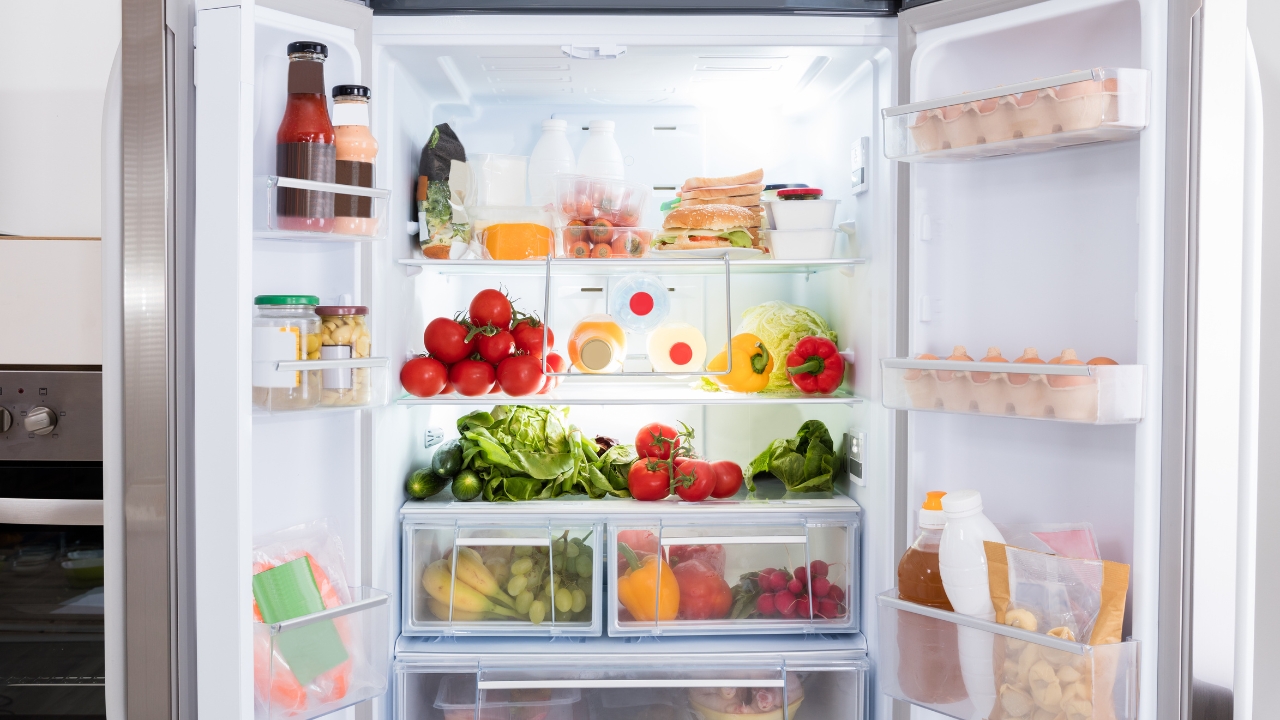
It only takes a few hours without power for food in the fridge to go bad—especially in summer. Freezer contents might hold longer, but they’re not invincible either.
Check for anything partially thawed, especially meat or dairy. If you’re not sure how long the power was out, don’t guess. When in doubt, toss it. A bad smell or odd texture means it’s time to let it go.
Garage Door Opener
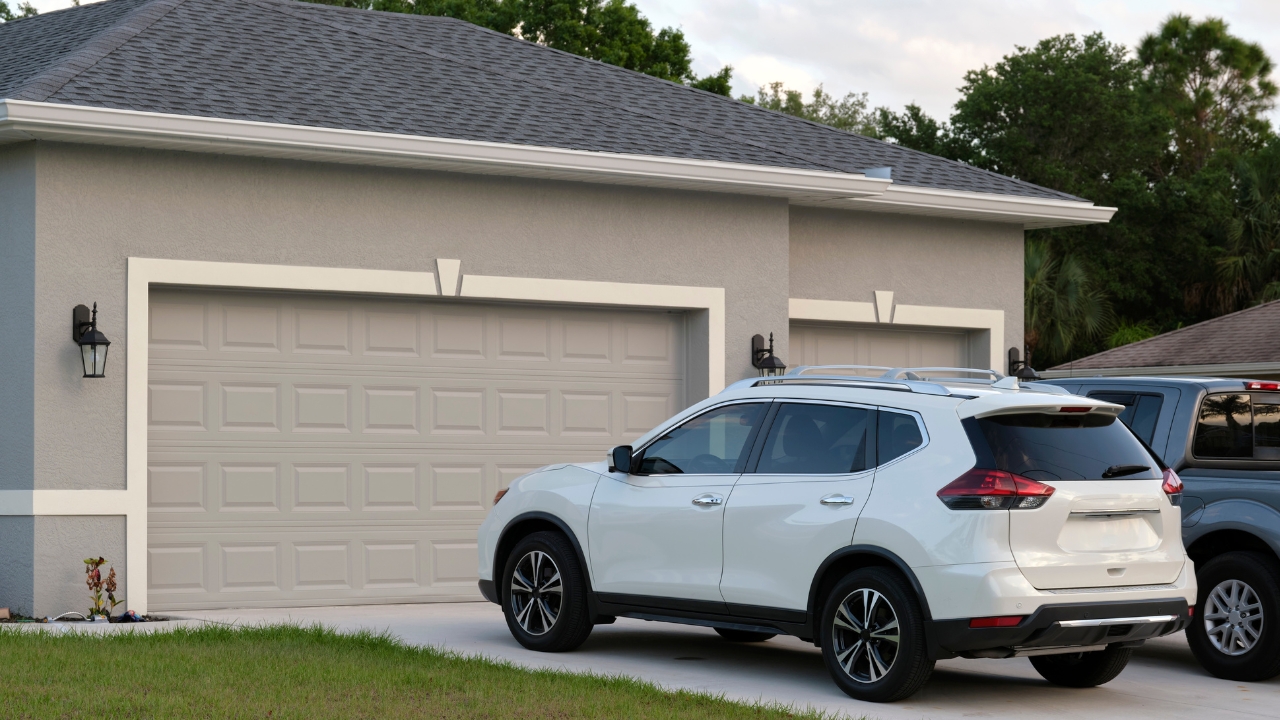
Most electric garage doors won’t reset automatically after a power outage. You’ll usually have to reconnect the opener manually, especially if you pulled the emergency release during the outage.
Make sure the door opens and closes properly once the power is back. If it’s stuck or not responding, check the outlet or breaker before assuming something major is broken.
Alarm Clocks and Timers
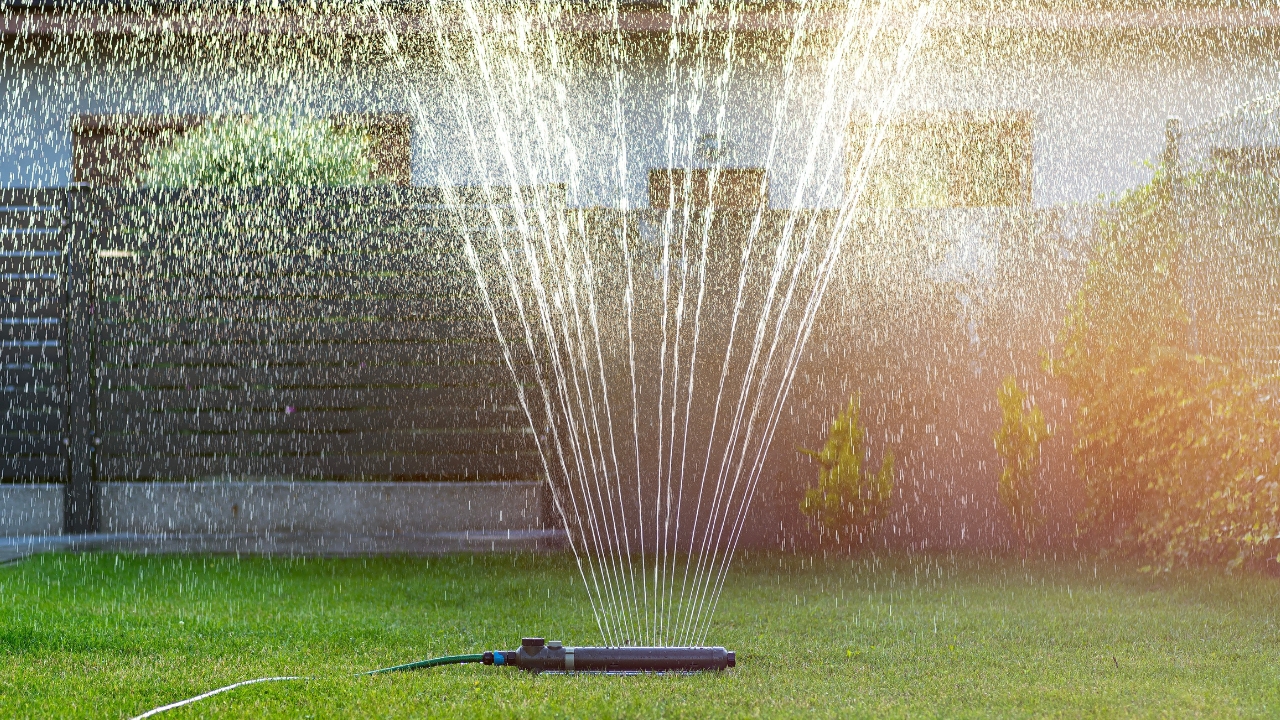
Anything that relies on a manual clock—like old-school alarm clocks, coffee makers, or sprinkler systems—probably lost track of time during the outage.
Take a minute to reset them. You don’t want your sprinklers going off at midnight or missing your morning alarm because the time jumped back to flashing 12:00.
Surge-Protected Power Strips

After the power snaps back on, it can spike hard. Surge protectors are meant to take the hit—but once they do, they might not work as well again.
Check your power strips for a warning light or indicator. If it’s off or showing a problem, replace it. They’re cheap compared to the electronics they’re protecting.
HVAC System

Your thermostat might look like it’s back on, but that doesn’t always mean your heating or cooling system fully reset. Sometimes they need a reboot too.
Check that the house is actually heating or cooling the way it should. If it’s blowing room-temperature air or acting funny, flip the breaker off and back on, then double-check the settings.
Water Heater
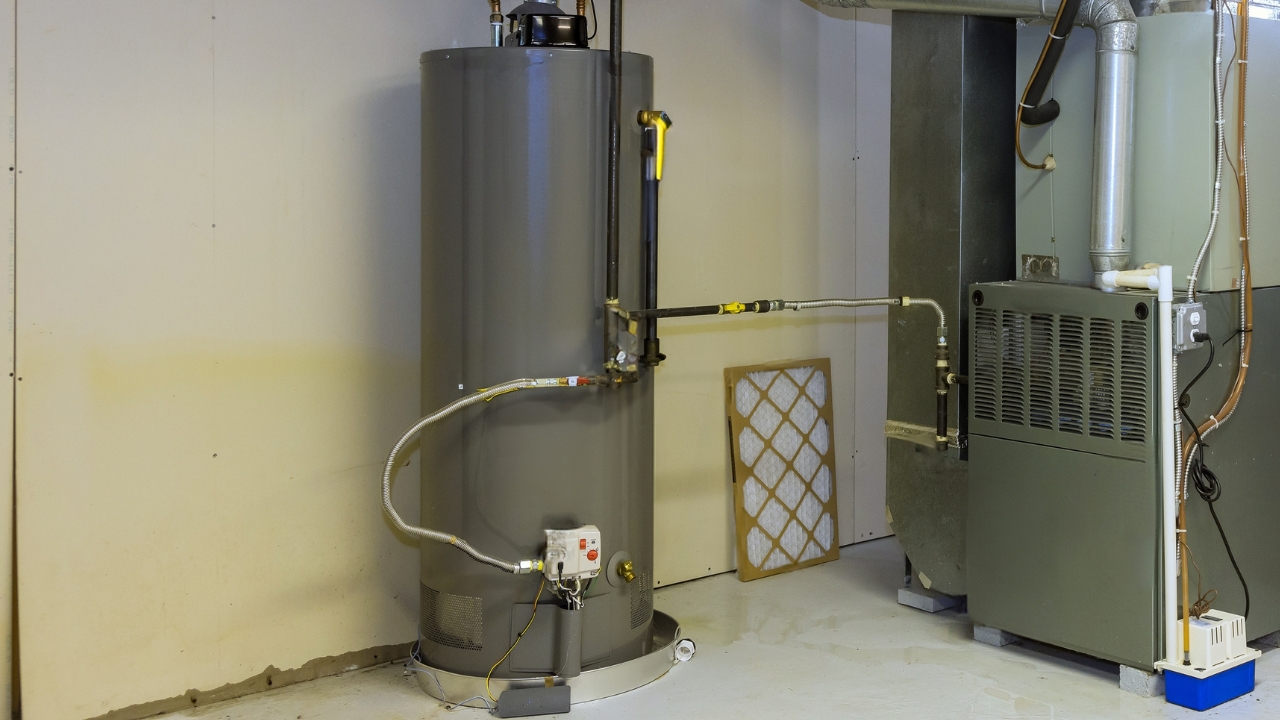
Depending on your setup, your electric water heater might need to be reset after a power outage. If it’s gas, you might need to relight the pilot.
If you notice your showers aren’t getting hot—or the water gets warm and cuts out—head to the water heater. A quick reset might be all it needs to get back on track.
Wi-Fi Router and Modem

Sometimes your Wi-Fi looks connected, but your devices still struggle. That’s a common issue after the power flickers.
Unplug both the router and modem, wait 10 seconds, and plug them back in. This quick reset can fix a lot of lingering connection problems without needing to call your internet provider.
Security Cameras

Many home security cameras don’t automatically reconnect after an outage. If your Wi-Fi reset, the camera may not know how to find it again.
Open the app and double-check that all your devices are live and recording. It only takes a minute, but skipping it could mean missing footage if something happens later.
Outdoor Lights and Timers

If you use outdoor lights on timers or dusk-to-dawn sensors, they may have defaulted back to the wrong settings during the outage.
Walk around outside once it gets dark. If anything’s stuck off, blinking, or coming on at weird times, go ahead and reset the timer or sensor. It’s better than being in the dark when you need it.
GFCI Outlets

Outlets with built-in circuit breakers—like the ones in your bathroom or kitchen—can trip during a power surge. That can kill power to anything plugged into them.
Press the “reset” button to restore the connection. If you notice a dead outlet, especially in areas with moisture, this is one of the first things to try before you assume it’s a bigger problem.
*This article was developed with AI-powered tools and has been carefully reviewed by our editors.
Like Fix It Homestead’s content? Be sure to follow us.