
What to disconnect first during a power outage to protect your system
When the lights cut out without warning, what you disconnect in the next few minutes can decide whether you simply wait in the dark or face a stack of repair bills. Power outages are often followed by unstable voltage and sudden surges that quietly destroy sensitive electronics and strain your home’s wiring. By knowing which devices to unplug first, and how to shut down your system in a controlled order, you protect both your equipment and your safety.
Instead of scrambling room to room, you can follow a clear sequence that starts with the most vulnerable electronics, then moves to high‑load appliances and finally to your main electrical controls. That structure keeps you focused on preventing damage, avoiding fire risks and making it easier to bring your home back online once power is stable again.
Confirm the outage and stay alert to hazards
Your first move is not at the breaker panel, it is to confirm what has actually failed. You should Confirm whether the outage is limited to one circuit, your entire home or the wider neighborhood, because that determines whether you are dealing with a household fault or a grid problem. Guidance from utilities stresses that you should check your breakers and then look outside to see if nearby homes still have power, which mirrors the advice to Check whether neighbors’ lights are on before assuming the utility is at fault. If only your home is dark, you may need an electrician rather than outage triage.
At the same time, you should scan for immediate hazards before touching any switches. A detailed Action checklist urges you to look for visible sparks near power lines and pay attention to burning or foul smells inside, because those can signal damaged insulation or overheating equipment. If you see downed lines, arcing or smoke, you should stay clear, keep others away and call emergency services rather than trying to reset anything yourself.
Unplug sensitive electronics first
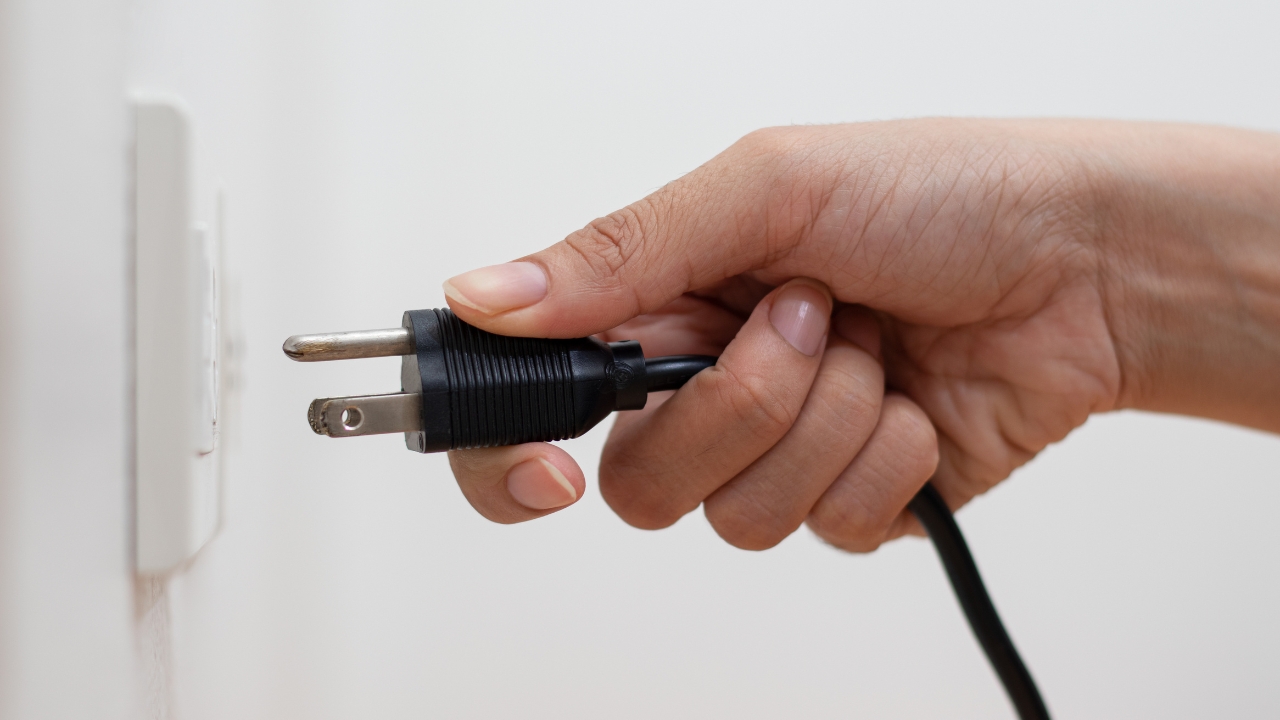
Once you know it is safe to move around, your top priority is to disconnect the devices that are most vulnerable to voltage spikes. Modern televisions, desktop computers, game consoles and smart speakers all contain delicate circuitry that can be ruined in an instant when power returns in an uneven surge. Utility guidance on Turn off and unplug small appliances specifically calls out Televisions, computer equipment and game consoles as items you should disconnect early in an outage. That advice reflects how often these devices are plugged into crowded power strips and entertainment centers that are difficult to replace cheaply.
Surge damage is not theoretical. Electrical specialists warn that $5,000 worth of home technology can be wiped out in seconds if a strong surge hits while everything is still connected. That is why outage checklists repeatedly tell you to unplug appliances with electronic components, advice echoed in materials that urge you to Short your risk by pulling the plugs on anything with a circuit board. If you are pressed for time, start with your main TV, desktop PC, Wi‑Fi router and any home office equipment, then move to gaming systems and sound systems.
Shut down high‑load and heat‑producing appliances
After you have protected your electronics, your next focus should be large appliances that draw heavy current or generate heat. Electric stoves, ovens, space heaters, irons and hair dryers can all become fire hazards if they are left switched on when power returns unexpectedly. Emergency guidance on Electrical safety explicitly tells you to Turn off or disconnect any appliances like stoves and equipment you were using when the power went out, precisely to avoid them coming back on unattended.
Local emergency managers reinforce that point by urging residents to Make sure appliances are turned OFF during an outage so they do not restart the moment power is restored. That is especially important for electric ranges and portable heaters, which can ignite nearby materials if they heat up again while you are asleep or out of the house. As you move through your home, flip off the controls on these devices first, then unplug them if you can reach the outlets safely.
Manage refrigerators, freezers and essential cold storage
Cold storage appliances sit in a gray area, because you rely on them to preserve food but they also contain compressors and control boards that can be stressed by unstable voltage. Outage planners advise you to keep refrigerator and freezer doors closed as much as possible to maintain temperature, while also preparing for the moment power returns. A detailed emergency kit guide recommends you Rather than waiting passively, get up and tackle simple tasks like checking that everything is off and that your fridge stays between 32 and 40 degrees, advice that is paired with a reminder to Check that appliances and electronic devices are unplugged.
Because refrigerators and freezers are critical, you may choose to leave them plugged in but switched off at the control panel, or to move them to a dedicated surge protector if you have time before a planned outage. Some municipal guidance under the heading Extended Power Outage also reminds you to Keep laptops and cell phones charged and to turn off or disconnect appliances so they are protected when power comes back. In practice, that means you should prioritize unplugging nonessential kitchen gadgets like microwaves and toasters first, then decide whether to unplug the fridge based on how long the outage is likely to last and whether you have alternative cold storage.
Use your breaker panel strategically
Once individual devices are safe, you can use your breaker panel to control how your home reconnects to the grid. Guidance on what to do When the power goes out includes checking the main breaker and individual circuits, both to rule out a tripped switch and to avoid overloading the system when electricity returns. If you know a storm or grid issue is affecting a wide area, you can flip off high‑load breakers, such as those for electric ranges or central air, while leaving critical circuits like lighting ready to come back.
Safety organizations also stress that you should not stand in water or touch the panel if there are signs of flooding or structural damage. The same outage checklist that highlights Electronics as a potential source of serious injury and damage also implies that any work on your electrical system should be done cautiously. If breakers trip repeatedly after power is restored, that is a sign of a deeper problem that calls for a licensed electrician rather than repeated resets.
Understand surges, brownouts and why timing matters
To decide what to disconnect first, it helps to understand what actually happens on the grid during and after an outage. Power can return in a series of unstable pulses, including brownouts where voltage drops below normal and surges where it spikes above what your wiring is designed to handle. Technical guidance explains that Now is the time to examine how Damage to the Grid can cause Noticeable reductions in voltage that stress motors and compressors, even if lights only appear to dim.
These fluctuations are exactly why outage guides tell you to unplug appliances with electronic components and to wait before plugging them back in. Co‑op advice on protecting electronics notes that External surges, where the supply to your home is flooded with more voltage than it is designed for, are less common but can be devastating when they occur. By disconnecting sensitive devices early and reconnecting them only after power has been stable for a while, you avoid exposing them to the most volatile moments of grid recovery.
Follow a clear disconnection order
With the risks in mind, you can follow a simple order whenever the power cuts out. First, confirm the scope of the outage and check for hazards. Second, unplug sensitive electronics like TVs, computers and routers, which aligns with advice to Unplug Your Electrical when the lights go off. Third, switch off and, where possible, unplug high‑load and heat‑producing appliances so they cannot restart unattended.
Fourth, manage refrigerators and freezers by keeping doors closed and deciding whether to unplug them based on outage length and food safety, while keeping an eye on temperature ranges recommended in emergency kit guidance. Fifth, use your breaker panel to shut off nonessential circuits and reduce the load that will hit the system when power returns, a step that complements the instruction to Confirm the status of breakers in your electrical system. Finally, once power is back and stable, you can reconnect devices in the reverse order, starting with lighting and refrigeration, then moving to electronics and, last, to high‑load appliances.
Prepare in advance so you can move quickly
The best time to decide what to disconnect is before the next storm or grid failure. Municipal guidance under the banner Extended Power Outage emphasizes simple preparation steps, including labeling breakers, keeping flashlights handy and planning how you will communicate if cell service is spotty. It also reminds you to Turn off or disconnect appliances so they are protected when power comes back, which is much easier to do quickly if you already know which outlets feed your most valuable equipment.
Preparedness guides also encourage you to build a basic outage kit with charged power banks, a battery radio and spare batteries, so you are not scrambling in the dark. One emergency checklist suggests you Unplug appliances and electronic devices as part of your early response, while keeping your refrigerator within safe temperature limits. If you rehearse that sequence mentally and keep critical tools in one place, you can move through your disconnection order calmly instead of guessing which plug to pull next.
Know when to call professionals and when to reconnect
Even with careful disconnection, some outages reveal deeper electrical problems that you should not try to fix yourself. If you notice repeated breaker trips, persistent burning smells or signs of charring around outlets, that matches the warnings in outage checklists that highlight how faulty Electronics can lead to serious injury and damage. In those situations, your safest move is to leave circuits off and call a licensed electrician, rather than continuing to reset breakers or plug devices back in.
When the grid is stable and your home shows no signs of damage, you can begin reconnecting in a controlled way. Co‑op advice on what you can do when power returns recommends waiting a short period before plugging your things back in, to let any lingering surges pass. Utility guidance on Ways to Protect Your Appliances an Outage notes that Published recommendations still hold: Your electronics and appliances are most at risk in the first moments after power is restored. By waiting, then reconnecting essentials first and luxuries last, you finish the same careful sequence you began when the lights first went out.
Like Fix It Homestead’s content? Be sure to follow us.
Here’s more from us:
- I made Joanna Gaines’s Friendsgiving casserole and here is what I would keep
- Pump Shotguns That Jam the Moment You Actually Need Them
- The First 5 Things Guests Notice About Your Living Room at Christmas
- What Caliber Works Best for Groundhogs, Armadillos, and Other Digging Pests?
- Rifles worth keeping by the back door on any rural property
*This article was developed with AI-powered tools and has been carefully reviewed by our editors.