
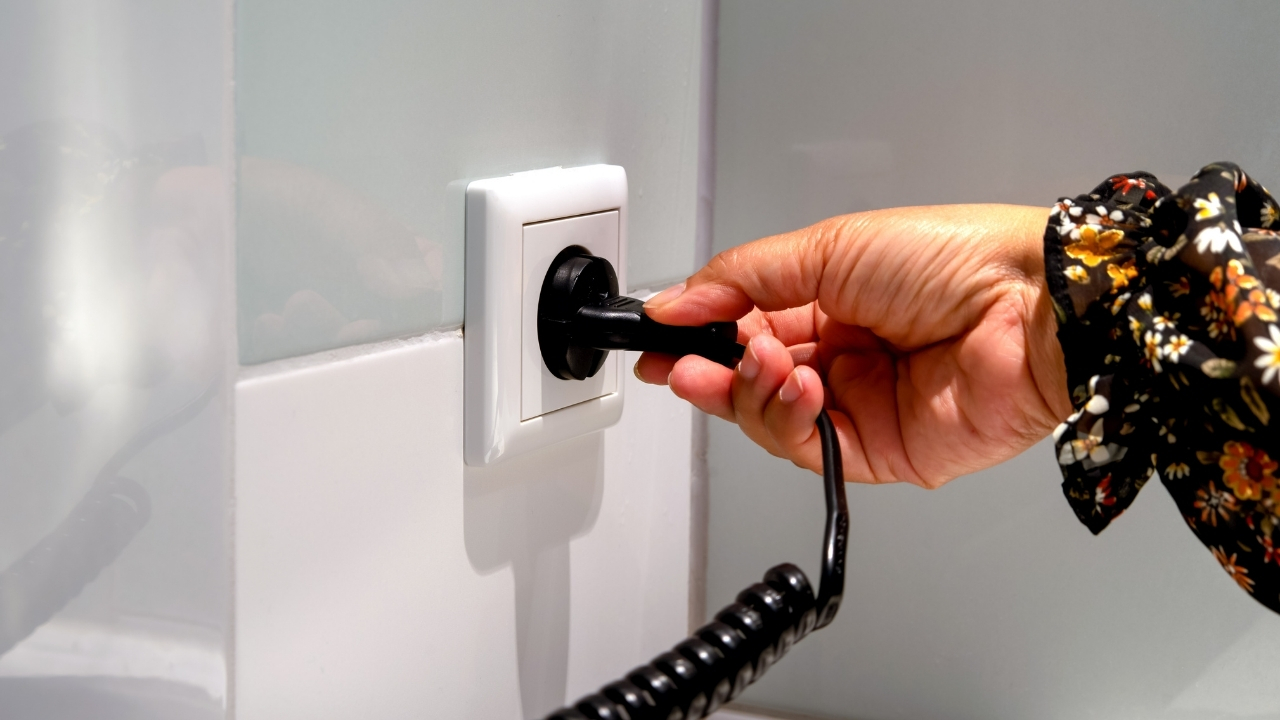
What to unplug before you start a generator so you don’t fry anything
When the lights go out and you reach for a generator, the fastest way to turn relief into a repair bill is to power it up with the wrong things still connected. Sensitive electronics, overloaded circuits, and even your utility line can all get hit with a surge if you do not strip the system down before that first pull of the cord. The key is knowing exactly what to unplug and shut off so the generator can come up to speed cleanly, without frying anything in the process.
Instead of guessing in the dark, you can treat generator startup like a controlled sequence: isolate your home from the grid, remove or switch off vulnerable loads, then add devices back in a deliberate order. With a little planning before the next storm, you can protect your appliances, your wiring, and the generator itself while still getting the power you need.
Why starting “under load” is what actually fries things
The moment a generator starts, its voltage and frequency are still stabilizing, which means anything already plugged in is riding out a wobble in power quality. Motors, compressors, and electronics are especially vulnerable in that first few seconds, because they can see low voltage, spikes, or both as the engine hunts for a steady speed. That is why safety guidance stresses that starting, stopping, connecting, or disconnecting a generator while it is under load is risky for you, the generator, and your home electrical system, a point underscored in a Jan video on safe starting and stopping.
To avoid that stress, you want the generator to spin up with nothing drawing power, then gradually add devices once it is running smoothly. Professional quick start instructions are blunt about this: before you start the unit, you should Remove any cords plugged into the generator and only reconnect after it is running. That simple habit dramatically cuts the odds of tripping breakers, stalling the engine, or sending a damaging surge into your gear.
First priority: disconnect from the grid and shore power
Before you think about individual appliances, you need to make sure your generator is not fighting your normal power source. Even if your neighborhood is dark, safety guidance is clear that you still need to disconnect your usual supply by turning off the main breaker or main household circuit so power from the generator cannot backfeed into utility lines, a step highlighted in advice on how to use a generator during an outage. Backfeeding is not just a technical issue, it can energize lines workers assume are dead and can also destroy your generator if grid power suddenly returns.
The same logic applies if you are in an RV, boat, or camper that can plug into “shore” power. Experienced owners make it a practice to unplug the shore cord before cranking the generator, and best practice is to turn off all loads, then disconnect shore power, then start the generator so the transfer switch is never trying to juggle two sources at once, as discussed in a forum thread on why you should disconnect shore power. If you skip this step, you risk arcing at connectors, damaged transfer equipment, and unpredictable power paths that are almost impossible to troubleshoot in the dark.
What to unplug inside the house before you start
Once you have isolated your home from the grid, your next move is to strip down the internal load. That starts with turning off or unplugging big draw appliances like electric ranges, central air conditioners, electric water heaters, and clothes dryers, which can overwhelm a portable unit the instant it comes online. Safety campaigns emphasize that you should make sure nothing is plugged into the generator when you start it and that you should only use appliances that are necessary during an outage, advice that aligns with guidance to Make sure nothing is plugged in and to respect the power limits of the generator.
Professional electricians echo that you should prioritize essentials and leave the rest off. One set of generator safety tips recommends that you Only use appliances that are necessary during a power outage and that you always start the generator before plugging in extension cords or devices. In practice, that means you shut off noncritical circuits at the panel, unplug window air conditioners, space heaters, and hair dryers, and leave high wattage luxuries idle until grid power returns, so the generator is not slammed with a heavy load the instant it fires.
Why sensitive electronics need extra protection
Even if your generator is sized correctly, its output is rarely as clean as utility power, and that matters for modern electronics. Laptops, gaming consoles, smart TVs, and routers all rely on stable voltage and frequency, and they can be damaged by spikes or repeated small surges that never trip a breaker. Power experts point out that most surges actually happen inside your home or office, often when large loads cycle on and off, which is why Most power surges are invisible but still harmful over time.
To keep those devices safe, you should unplug them from the wall before starting the generator and only reconnect them through quality surge protection once the system is stable. Guidance on protecting electronics from surges stresses that you should Use surge protectors as one of the most effective ways to shield computers and entertainment systems from voltage spikes. Generator specialists add that you can go further by choosing inverter models, using a dedicated UPS for your desktop PC, or even adding a whole house surge device, but the baseline is simple: do not let your most expensive electronics be the first thing that sees generator power.
Appliances and devices you should switch OFF, not just unplug
Unplugging is only half the story, because many devices have their own power switches and startup behaviors that can still cause trouble if they are left on. Refrigerators, sump pumps, and well pumps, for example, draw a large inrush current when they first start, so if they all kick on at once the moment you flip a breaker, they can overload the generator even if the total running wattage looks fine on paper. Manufacturer guidance for portable units is explicit that you NEED to TURN devices OFF before connecting them, explaining that you should switch OFF APPLIANCES and DEVICES BEFORE plugging them into a portable generator so you can bring them back one at a time, advice laid out in a support note that asks, in all caps, whether you NEED to TURN OFF APPLIANCES / DEVICES BEFORE connecting them.
In practice, that means walking through your home and flipping the power switches on things like microwaves, coffee makers, and window units to “off,” even if you also unplug them. When you are ready to power up, you start the generator with everything off, then plug in one device, turn it on, wait a few seconds, and move to the next. That staggered approach keeps the starting current of each motor from stacking on top of the others and gives you a chance to hear the generator strain or stumble before you overload it, instead of discovering the problem after a breaker trips and the basement floods because the sump pump never came back.
How to bring loads back online without cooking the generator
Once the generator is running smoothly with no load, you can start adding power draws in a deliberate order. Safety guides for diesel units recommend that before you start the generator you disconnect all loads, then after it is running you reconnect them gradually to protect electronics and avoid unnecessary repairs, a sequence spelled out in a Key Takeaways section that notes you should Always inspect the generator and its surroundings first. The same logic applies to small gasoline units: start with the most critical, modest loads, like a refrigerator or a medical device, then add lighting and small electronics, and save big discretionary loads for last, if you use them at all.
Generator safety checklists also emphasize that you should match your total load to the unit’s rated output and avoid running at full capacity for long stretches. One preparedness guide on GENERATOR SAFETY DOs AND DON’Ts advises you to Keep the generator at least 15 feet away from structures and to manage loads so you are not constantly tripping breakers or bogging the engine, reinforcing that you should treat the wattage rating as a ceiling, not a target, when you Keep your generator safe. If you hear the engine labor when you plug something in, that is your cue to unplug a nonessential device before you push it any harder.
Extra steps to make generator power safer for electronics
Beyond unplugging and sequencing loads, you can harden your setup so that even if something goes wrong, your gear has a better chance of surviving. One practical step is to route sensitive devices through quality surge strips or a UPS that can smooth out short disturbances. Technical guidance on making a generator safe for electronics recommends that you Use a surge protector, consider an inverter generator for cleaner output, and even add a Lightning arrester in some installations to handle extreme events.
Power specialists also remind you that surge strips are not magic if they are overloaded or outdated, so you should check their joule ratings and replace them after major events. A detailed explainer on surge protection notes that Choosing the right device for your computer, TV, or gaming system means understanding that Most surges are small but cumulative, which is why a properly sized protector can quietly sacrifice itself to save your equipment, as outlined in guidance on Choosing the best surge protector. If you pair that hardware with disciplined habits about what you unplug and when you reconnect, you dramatically lower the odds that a storm and a generator session end with a stack of dead electronics.
Fuel, placement, and the safety details you cannot skip
Protecting your gear is only part of the equation, because a rushed generator setup can also create fire and carbon monoxide risks. You should always run the unit outdoors, away from doors, windows, and vents, and never in a garage, even with the door open. Safety campaigns stress that GENERATOR placement is a core part of overall SAFETY AND that DON’ts include running it near structures, with one guide advising you to Keep the unit at least 15 feet away from any building and to direct exhaust away from occupied spaces, as laid out in a list of GENERATOR SAFETY DOs AND DON’Ts.
Fuel handling deserves the same discipline. Gasoline and its vapors can ignite if they contact hot components or an electrical spark, so you should Store fuel in approved containers, keep it away from the running generator, and never refuel while the engine is hot, guidance reinforced in safety tips that warn that Gasoline and its vapors are a major fire hazard around backup units. If you combine careful fuel storage with a habit of shutting everything off before startup, using proper cords, and bringing loads back slowly, you not only avoid frying your electronics, you also keep the people around the generator safe while the power is out.
Like Fix It Homestead’s content? Be sure to follow us.
Here’s more from us:
- I made Joanna Gaines’s Friendsgiving casserole and here is what I would keep
- Pump Shotguns That Jam the Moment You Actually Need Them
- The First 5 Things Guests Notice About Your Living Room at Christmas
- What Caliber Works Best for Groundhogs, Armadillos, and Other Digging Pests?
- Rifles worth keeping by the back door on any rural property
*This article was developed with AI-powered tools and has been carefully reviewed by our editors.