Some smoke/CO alarms may not alert properly—how to check your model number fast
When smoke or carbon monoxide alarms fail to sound, the problem is often hiding in plain sight: the specific model you own and whether it is still performing as designed. To know if your devices are affected by recalls, aging sensors, or compatibility issues, you need to identify the exact model number quickly and accurately. With a few deliberate steps, you can move from vague concern to a clear picture of what is on your ceiling and how well it is protecting you.
Instead of waiting for a chirp or a crisis to tell you something is wrong, you can treat your alarms the way you would any other safety-critical product, checking their model, age, and status on a regular schedule. That starts with learning where manufacturers hide key details, how to read them, and how to match them against recall notices or performance guidance before you decide whether to keep, replace, or upgrade your devices.
Why your alarm’s model number matters more than you think
Every smoke or carbon monoxide alarm is built to a specific design, and that design is captured in its model number, which is your shortcut to understanding how it should behave and whether it is still considered reliable. Manufacturers such as First Alert explicitly warn that smoke alarms have a limited lifespan, noting that their units should be replaced at least every 10 years because sensors can lose sensitivity over time, a point they make in their guidance on What the expected service life should be. If you do not know which model you own, you cannot easily tell whether it is already past that window or approaching it.
Model numbers also determine whether your device is part of a safety recall or subject to special instructions. In one detailed notice, Kidde describes a recall involving Kidde TruSense Smoke Alarms and Combination Smoke/Carbon Monoxide Alarms, specifying that the affected units are certain Kidde Smoke Alarms and Combination Smoke, Carbon Monoxide Alarms that may fail to alert properly. Without the exact model number in hand, you cannot match your device against that list, which means you could be living with a unit that looks fine on the ceiling but is not providing the protection you assume it is.
How to safely remove an alarm so you can see the label
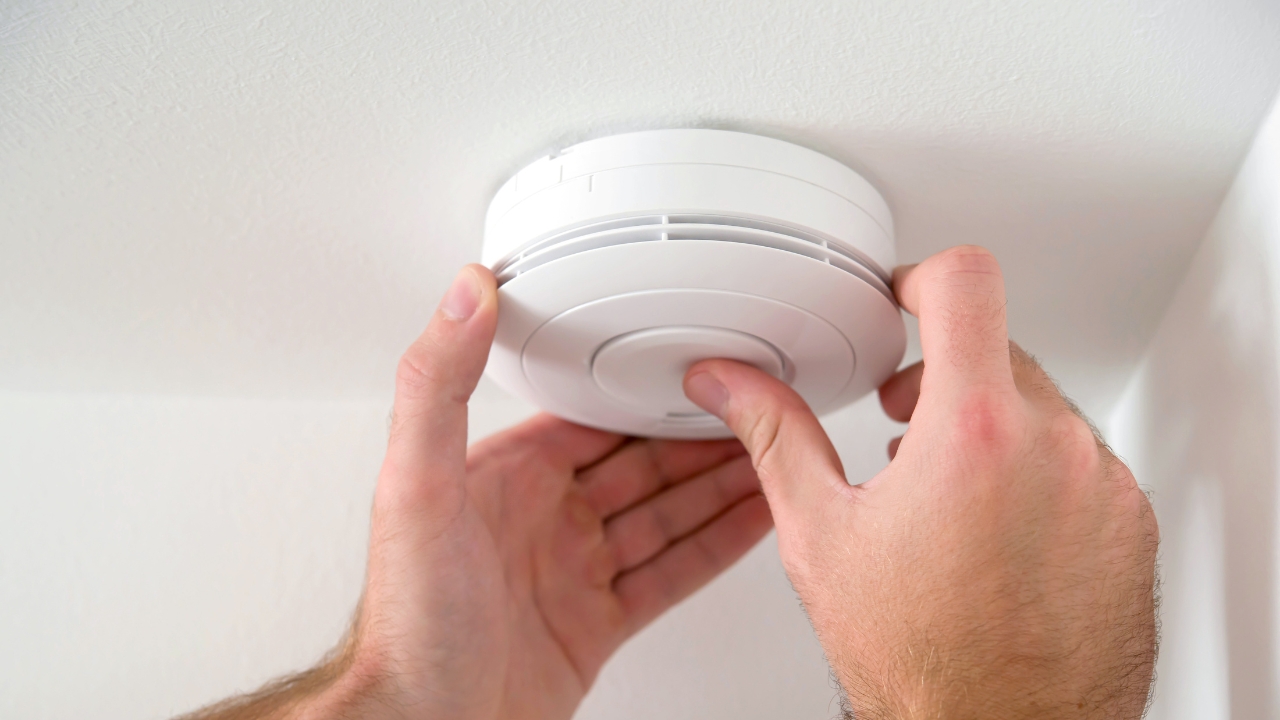
To get the model number, you usually have to take the alarm off its base, and doing that safely is as important as reading the label correctly. Kidde’s own instructions emphasize that you may need to remove your alarm to find your model number or replace the alarm or batteries, and they flag this with a clear Note that some units include tamper-resistant features. That means you should not force the alarm off the wall or ceiling; instead, twist or slide it according to the arrows on the mounting plate, and if it resists, look for a locking tab or small screw that needs to be released first.
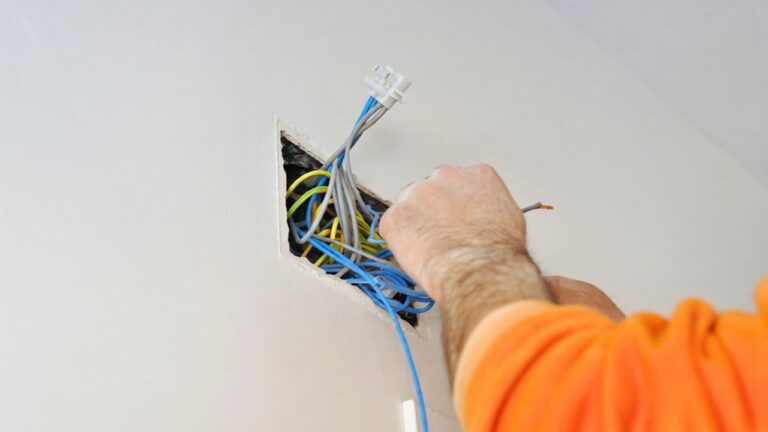
Once the alarm is free, treat it like any other electrical device you are inspecting: keep your hands clear of exposed wiring on hardwired units and avoid dangling it by the wires while you search for the label. If your alarm is part of an interconnected system monitored by a central station, remember that the Initial alert and warning of occupants is still provided by detectors and other local alarms, so you want to minimize the time any one device is offline. Plan your inspection when others are home, and if you are uncomfortable working around live wiring, consider shutting off the circuit or asking an electrician to assist.
Where to find the model number on popular brands
Once you have the alarm in hand, the model number is usually printed on the back label, but the exact placement and wording can vary by brand. Kidde explains that the model number on its smoke alarms is located on the back label of your alarm, and that to find it, you will need to remove the alarm from its mounting bracket and look for bold text below the logo, guidance they summarize under Identifying the Model Number. They reinforce that the model number is located on the back label of your alarm, a point repeated in their note that The model number is printed clearly once you have the unit down.
Other Kidde products follow a similar pattern, which can help you decode different safety devices around your home. For example, their fire extinguisher support materials explain that the model number will be located on the label in the bottom right or left-hand corner and will read “MODEL” before listing model information, a detail they highlight under Where to Find the Model Number. That same logic applies to many alarms: look for the word “MODEL” in capital letters, then copy the exact sequence that follows, including any letters or dashes, before you search for it online or compare it to recall documents.
Smart alarms, apps, and how to confirm you have the right generation
If you use smart alarms, the model number is still crucial, but you may have more than one way to find it. Google’s connected devices, for instance, are sold in multiple generations, and guidance on Nest hardware notes that the model number includes a code that denotes the Second Generation alarm, a detail explained in a breakdown of Nest Product Generations. That matters because features like self-testing, voice alerts, and app integrations can differ between generations, and you want to know exactly which capabilities you can rely on when smoke or carbon monoxide levels rise.
Smart carbon monoxide detectors also give you another way to confirm that they are functioning properly, beyond the physical label. Heating and cooling specialists point out that if you have a smart CO detector installed, you can Check With Your Smart Home App to see status and battery level on your app dashboard, which can reassure you that the device is online and communicating. For example, a battery-operated Google Nest Protect Smoke and CO Detector 2nd Generation in white is marketed as easy to install and sleek compared to other fire, smoke, and CO detectors, and buyers highlight that Google Nest Protect also integrates with your phone so you can see alerts even when you are away.
Testing, troubleshooting, and knowing when to replace
Once you know the model number and generation, the next step is to verify that the alarm still performs as intended and to recognize when it is time to retire it. Electricians who field calls about nuisance beeping advise that if your smoke alarms are beeping, you should first silence them safely, then investigate whether the issue is a low battery, wiring problem, or end-of-life signal, guidance summarized under My Smoke Alarms are Beeping Turn. If the unit is near or past the 10-year mark that First Alert cites for its smoke alarms, or if the beeping pattern matches an end-of-life code in the manual, replacement is usually the safest choice rather than repeated troubleshooting.
When you shop for a replacement, treat the model number as a way to compare features and reliability instead of just picking the cheapest option on the shelf. Listings for carbon monoxide alarms, such as a Kidde Carbon Monoxide Battery Operated Alarm, emphasize that all of Kidde’s carbon monoxide alarm products, from basic units to premium CO alarms, include the company’s patented Nighthawk technology and may offer digital displays or battery backup for protection during power outages, details highlighted in the description that All of Kidde carbon monoxide products share. Before you click “buy” on any online product page, whether it is a basic unit or a smart alarm, scroll to the specifications and confirm the exact model number listed for the product so you can match it to the manual, app support, and any future recall notices.
Using model numbers to navigate support, recalls, and upgrades
Once you have documented the model numbers for your alarms, you can use them to get more precise help and to plan upgrades instead of reacting in a panic when something chirps or fails. Manufacturers like Kidde maintain dedicated pages explaining how to find the model number on your alarm, and they stress that the model number is located on the back label of your alarm and that you should use that exact code when contacting support, a point they repeat in their overview of How to Find the Model Number on Your Alarm. That same discipline applies when you seek community advice: Nest users, for instance, are told in one discussion that if they want to know which Nest model they have, they should check the device details, a response marked with 3 Kudos and labeled as a Recommended Answer by a Diamond Product Expert, underscoring how central the model identifier is to any troubleshooting.
Model numbers also help you interpret broader safety guidance and decide when to modernize your system. If your home relies on older standalone detectors, you may decide to move toward interconnected or monitored systems that align with general standards for central station monitoring, where the initial alert and warning of occupants is still provided by detectors and other local alarms but is backed by professional oversight, as described in the discussion of What those standards require. Whether you are confirming that your current devices are not part of a recall, checking that a smart detector is the latest generation, or planning a full upgrade, treating the model number as your starting point turns a confusing mix of plastic housings and blinking lights into a clear, manageable safety checklist.
Like Fix It Homestead’s content? Be sure to follow us.
- Man Says He Found Out the Fence He Paid For Wasn’t Actually on His Property
- Woman Says Her Neighbor Started Taking Mulch From Her Delivery Pile Before She Could Even Spread It
- I made Joanna Gaines’s Friendsgiving casserole and here is what I would keep
- What Caliber Works Best for Groundhogs, Armadillos, and Other Digging Pests?
*This article was developed with AI-powered tools and has been carefully reviewed by our editors.