
10 Reasons Rural Internet Gets Worse in Winter
Photo credit: fizkes/Shutterstock.com
Cold weather has a way of turning a decent connection into a temperamental one. One day you can stream a show, the next day you cannot even load an email. Out in the country, the weak spots are already there, winter just presses on them harder.
1. Ice Loading Down Overhead Lines
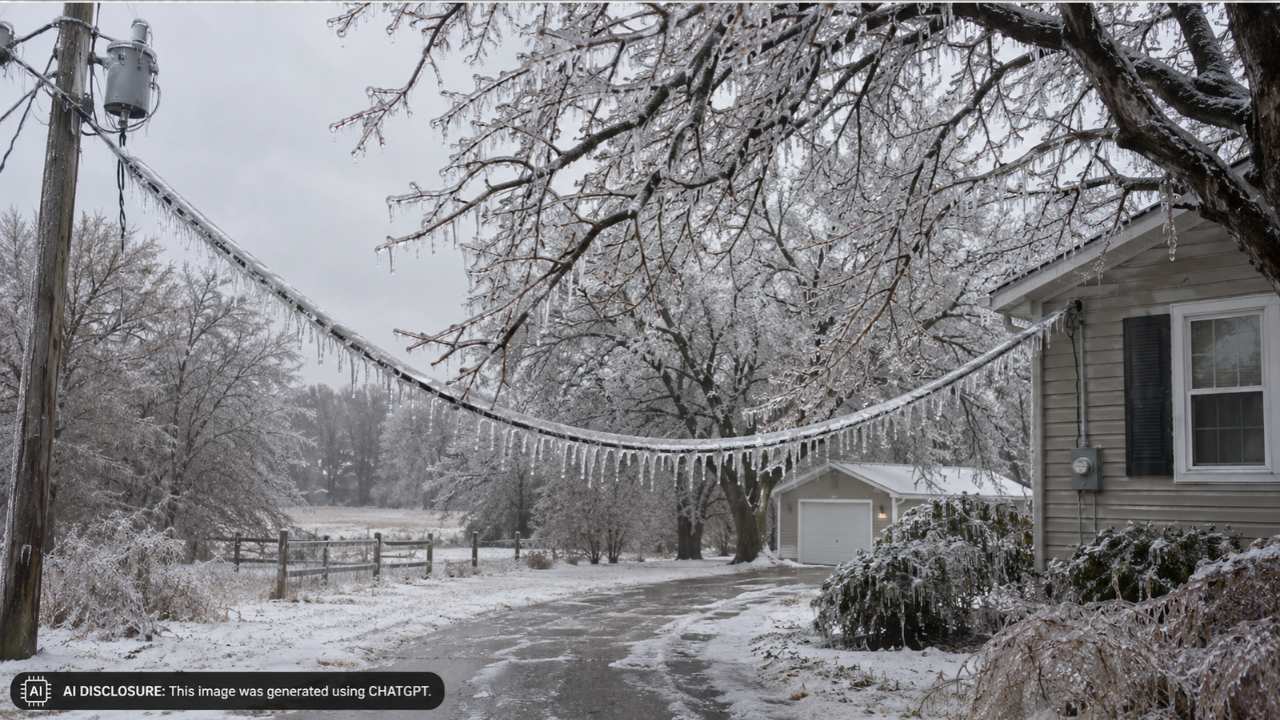
If your service comes in on an aerial line, ice is a real problem, not a metaphor. A glaze storm adds weight, the line sags, and a splice that was barely hanging on all summer starts crackling. Sometimes it does not fully fail, it just gets noisy enough that your modem drops and reconnects all day.
Walk your driveway and look up after an ice event. If you see a line drooping lower than normal or rubbing a tree, call the provider, do not start cutting branches near wires. On your side, keep tree limbs trimmed back in late summer so winter storms cannot yank on the drop as easily.
2. Snow Covering Fixed Wireless Paths
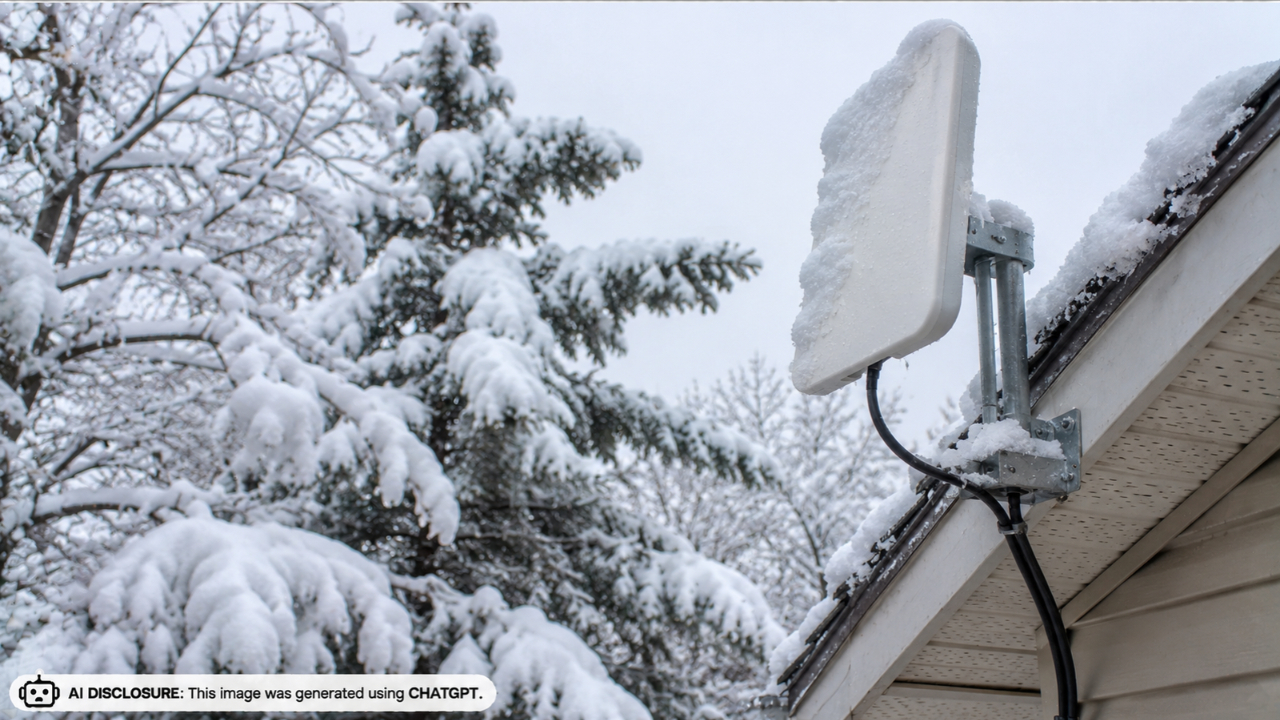
Fixed wireless works great until you get a heavy, wet snow that changes the view between your antenna and the tower. A branch that was “not in the way” becomes a white slab, and your signal takes the hit. Wind can also twist a lightly mounted antenna just a few degrees, which is enough to cut performance in half.
First, check the obvious, your antenna should be solid on the mast and not wobbling. If your gear is on the roof, this is not a casual ladder job in winter, hire it out if you are not comfortable. If the problem is line-of-sight, you may need a higher mount or a better location, and that is best planned when the roof is dry.
3. Cold-Stiff Coax And Moisture Intrusion
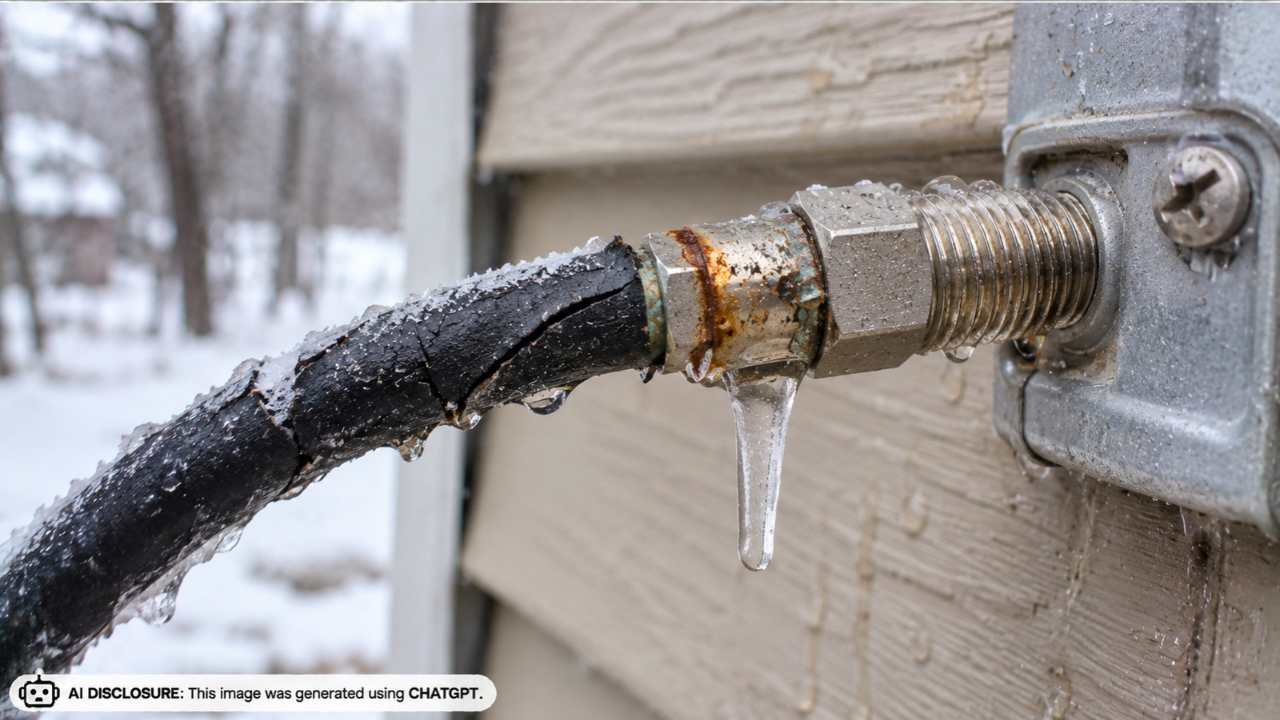
Coaxial cable does not like water, and winter is when tiny leaks turn into big trouble. A loose outdoor F-connector or a split in the jacket lets moisture creep in, then it freezes, expands, and ruins the cable. You get slow speeds, random drops, and a modem that looks fine but never stays locked.
Check every outdoor connection you can safely reach, and replace any corroded fittings. Use proper compression connectors and a weather boot or quality coax seal, not electrical tape wrapped like a bandage. If the coax run is old and stiff like a garden hose in January, replacing it is often faster than chasing ghosts for the rest of the season.
4. Batteries Losing Capacity In The Cold
People blame the provider, then forget the backup power sitting in an unheated mudroom. Router and modem UPS units hate cold, their battery capacity drops, and the voltage sags sooner. The power flickers for two seconds, and your equipment reboots, which feels like “the internet went out again.”
Keep your modem, router, and any fiber ONT in a space that stays above freezing. If you use a UPS, test it by pulling the plug for a minute and see if the gear stays up. The cheap exception: if outages are rare and short, a simple surge protector is fine, but only if your equipment is in a stable, dry location.
5. Condensation Inside Outdoor Enclosures
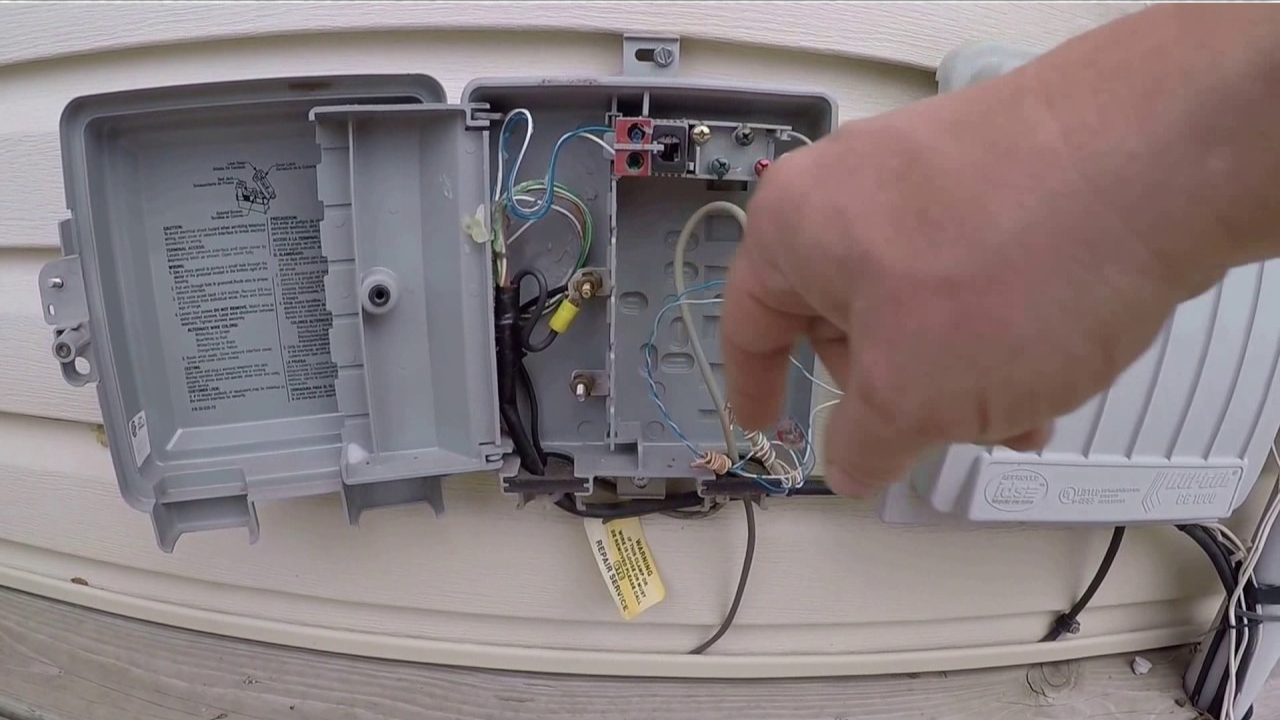
Warm days and cold nights create condensation, and condensation finds electronics. That little plastic box on the side of the house, the NID, a cable amp, even a weatherproof “outdoor rated” case, can sweat inside. Once there is moisture, corrosion starts, and winter temperature swings keep feeding it.
Look for fogged covers, water droplets, greenish corrosion, or a musty smell when you open a box. Replace cracked gaskets and tighten covers so they actually seal, but do not crank screws until plastic snaps. If you see damaged provider equipment, stop and make the service call, you do not want to be billed for breaking a sealed unit.
6. Frost Heave Tugging Buried Lines
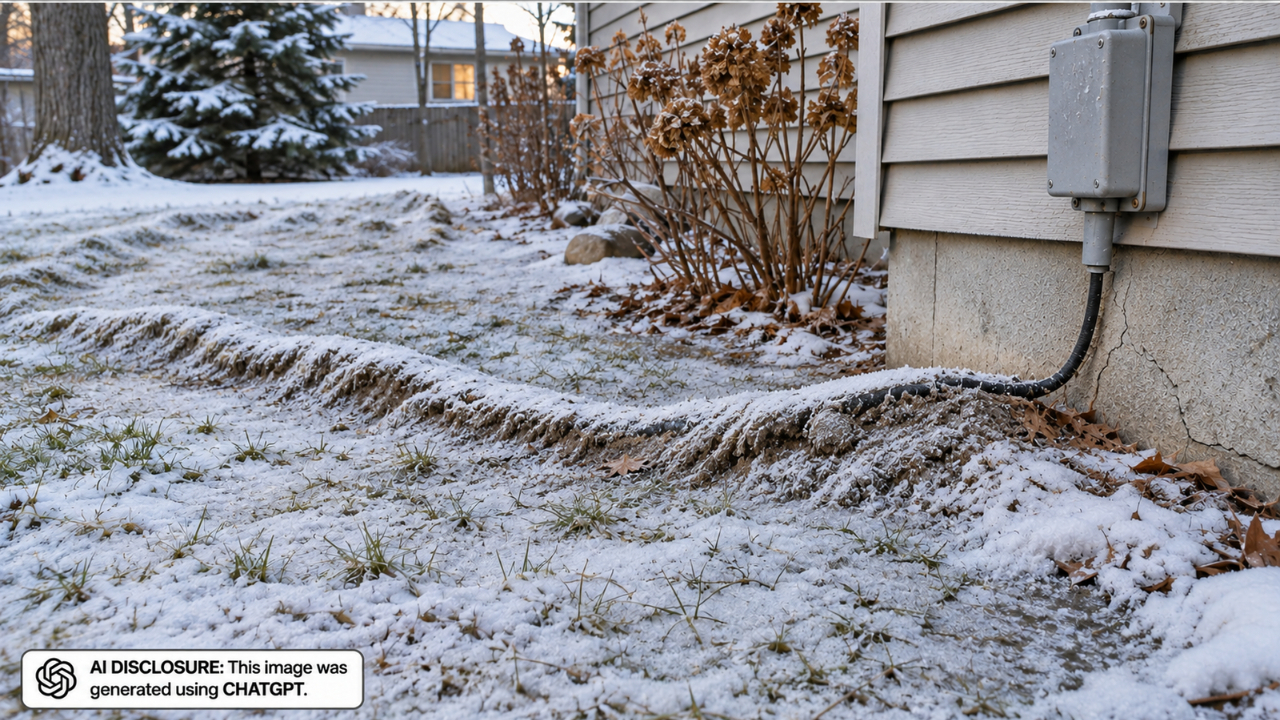
Buried cable seems protected, until the ground starts moving. Frost heave can pull on shallow conduit, shift a trench line, and stress a splice or connector at the house. You may not see anything, but the connection turns flaky every time the soil freezes hard.
Watch for new dips in the yard, popped conduit, or a line that suddenly feels tight where it enters the house. If you ever have to run a new trench, bury it to local depth rules and use the right conduit, and call 811 before you dig. A clean install costs more up front, but it saves you from winter whiplash year after year.
7. Overloaded Rural Towers During Storms
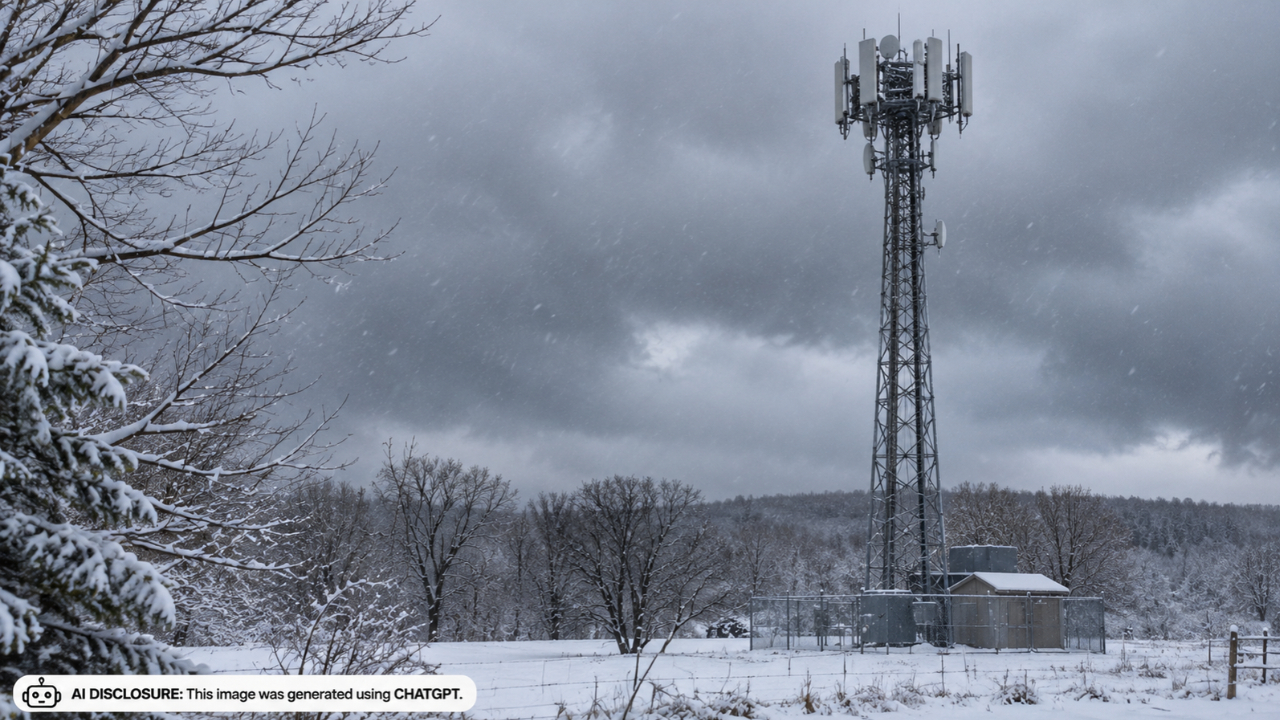
Bad weather changes how people use the internet. School goes remote for a snow day, folks stay home and stream, and everyone is hitting the same tower at the same time. On cellular or fixed wireless, congestion looks like “full bars, terrible internet.”
You cannot fix tower load with a wrench, but you can work around it. Schedule big downloads overnight, turn off automatic cloud backups on storm days, and set your devices not to auto-play video. If you rely on cellular home internet, an external antenna can help signal quality, but it will not cure congestion when the tower is maxed out.
8. Plows And Chainsaws Cutting Drop Cables
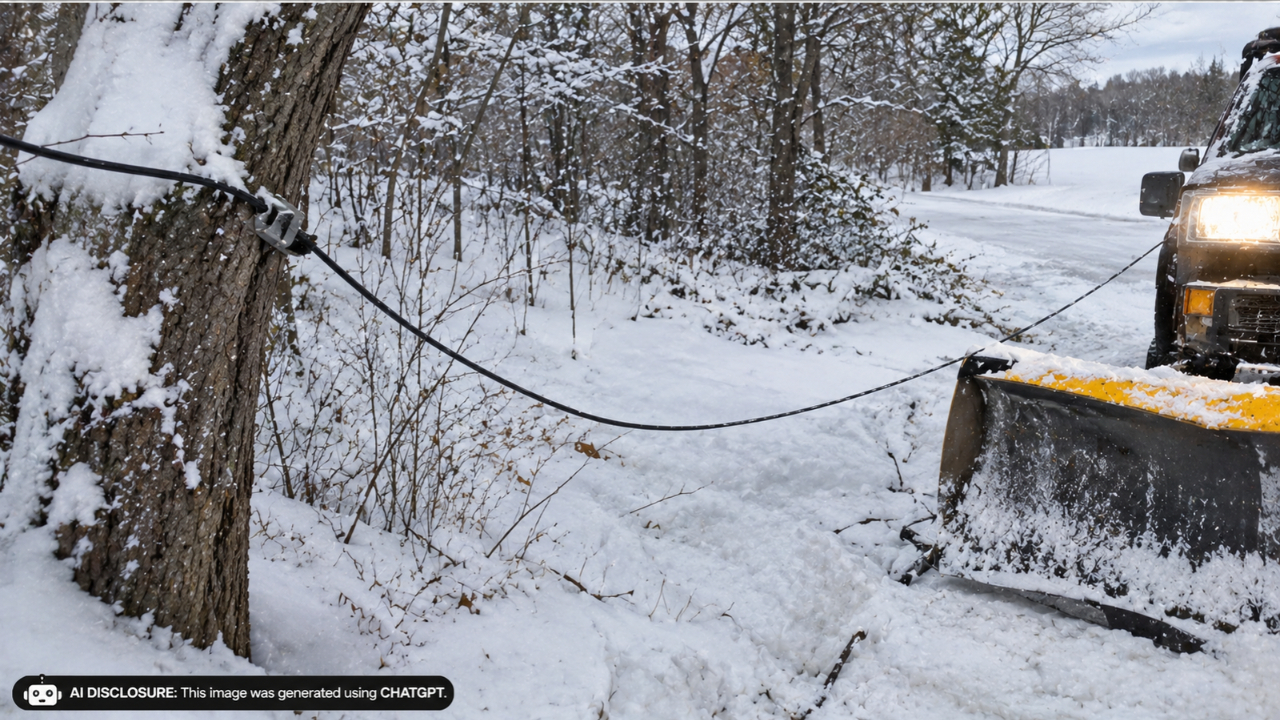
Winter is when the driveway gets wider, the snowbanks get higher, and suddenly your cable is in the danger zone. A plow wing, a skid steer bucket, or a helpful neighbor with a chainsaw clearing storm damage can snag a low line. Sometimes the jacket is cut but the cable still works, for a week, then water gets in and it dies.
Walk your service path and find where your line runs, especially if it crosses near a drive, gate, or stack of firewood. If it is low, call the provider and ask about raising it or rerouting it. Do not “temporarily” tie it to a fence with baling twine and forget about it, that is how it gets ripped out during the next storm cleanup.
9. Router Placement Gets Worse In Winter
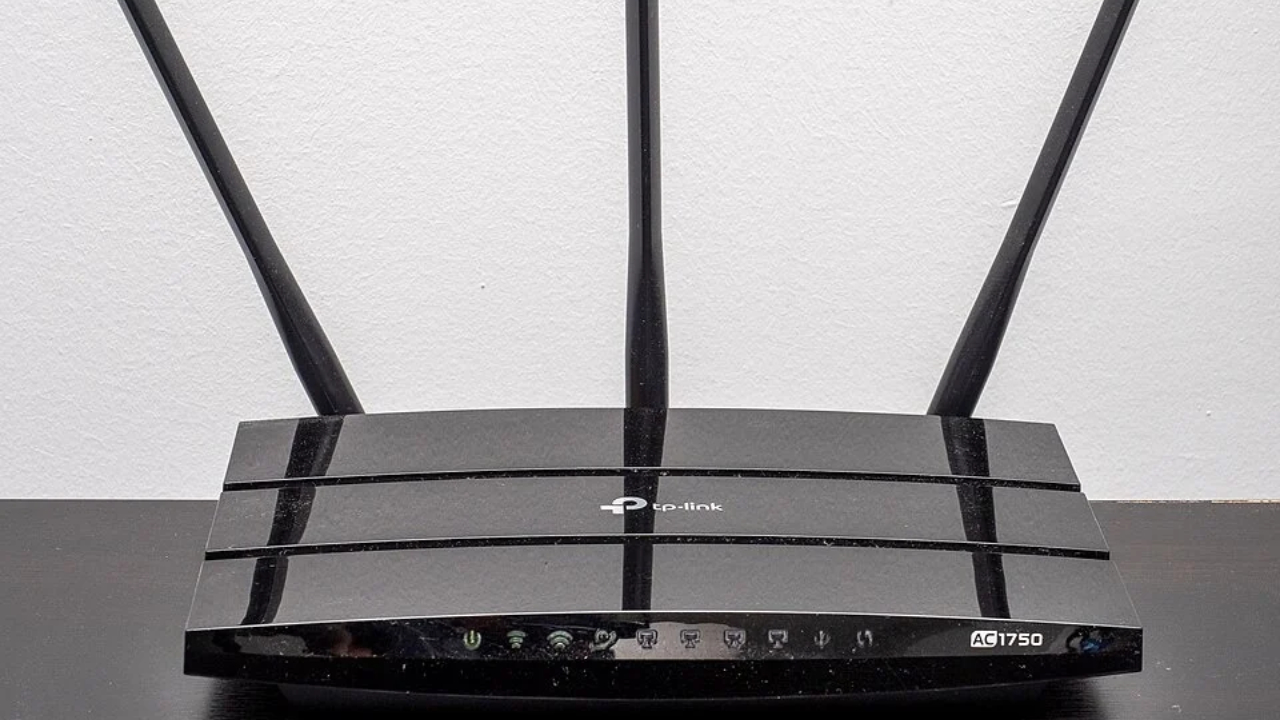
Cold pushes you to shut doors, block drafts, and tuck things away. That often means the router ends up behind a TV, inside a cabinet, or in a back bedroom so the front room feels less cluttered. Wi-Fi hates that, and walls, metal stoves, and ductwork hit harder when your house is closed up tight.
Put the router where it can breathe, high and central, not on the floor next to the baseboard heater. If you need better coverage, a wired access point is more reliable than a string of plug-in extenders. If running Ethernet means drilling through exterior walls, plan it for a mild day and seal the penetration properly so you are not inviting drafts and mice.
10. Deferred Repairs Because Winter Is Miserable
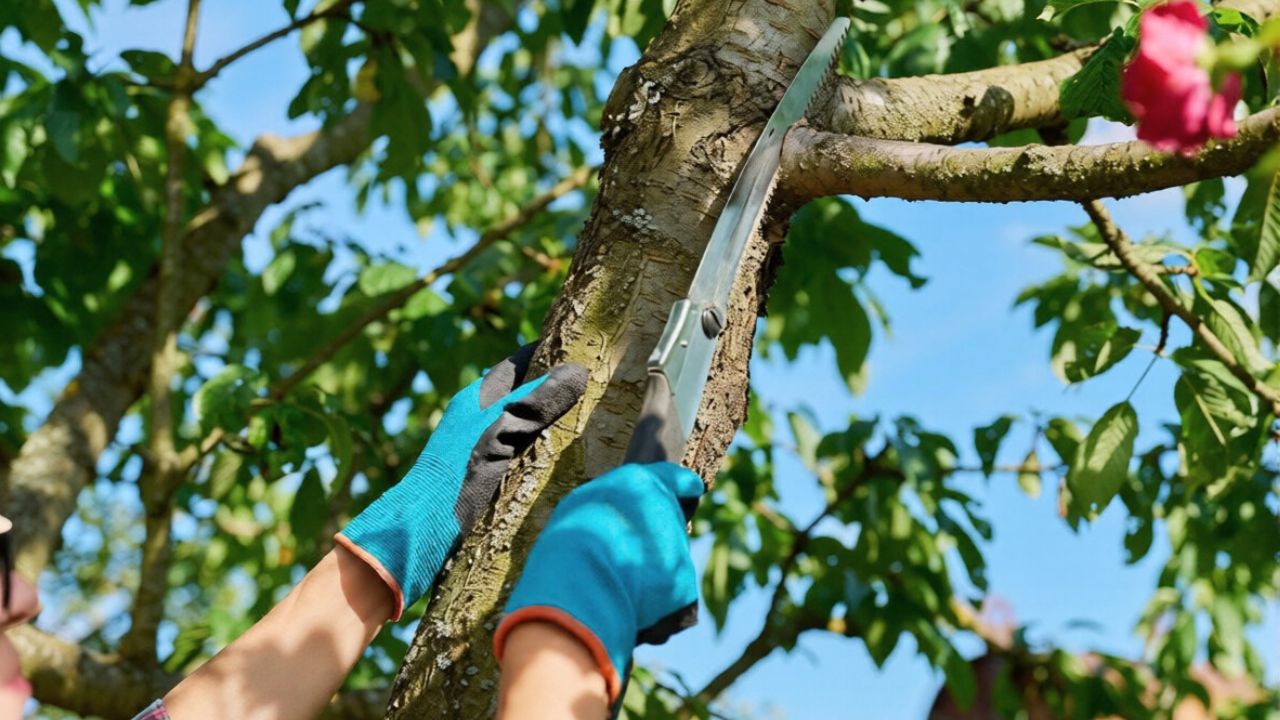
The slow leak becomes a freeze break, and the “I’ll deal with it later” cable splice becomes a full outage during the next storm. Winter makes every outside job harder, so problems stack up. Then you are calling for service when roads are bad and crews are backed up.
Do the unglamorous checks in fall: tighten mounts, replace cracked coax, trim branches near lines, and label your gear so you can reboot the right box fast. Keep a small tote with spare Ethernet cables, a coax wrench, and a headlamp where you can find it in the dark. A couple hours of prep before the first hard freeze usually beats a week of spotty internet when you need it most.
If your connection turns sour every cold season, treat it like any other homestead system. Track what kind of weather triggers it, look for the weak physical link first, then push the provider with clear details. Winter is rough, but it is also a great troubleshooting tool because it makes the real problems show themselves.
Like Fix It Homestead’s content? Be sure to follow us.